

Private calendar sync, without the scheduling theater.
Hosts and attendees can connect Google Calendar or Outlook with complete privacy. Merge checks only free/busy availability: no event titles, descriptions, locations, attendees, or private details, ever.
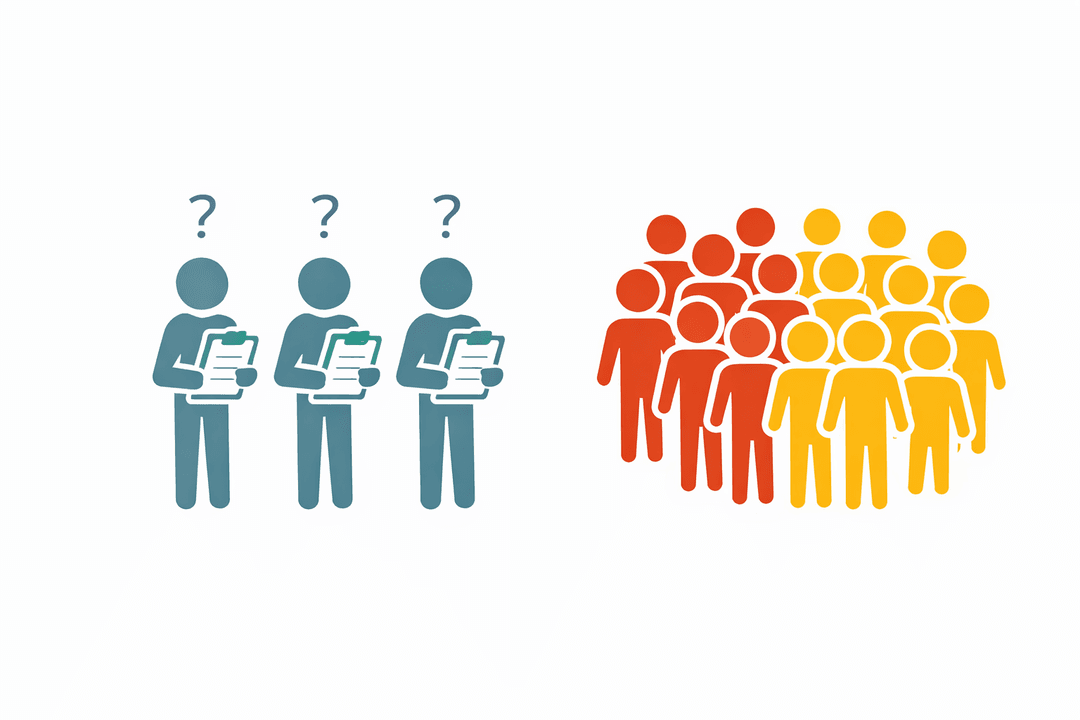
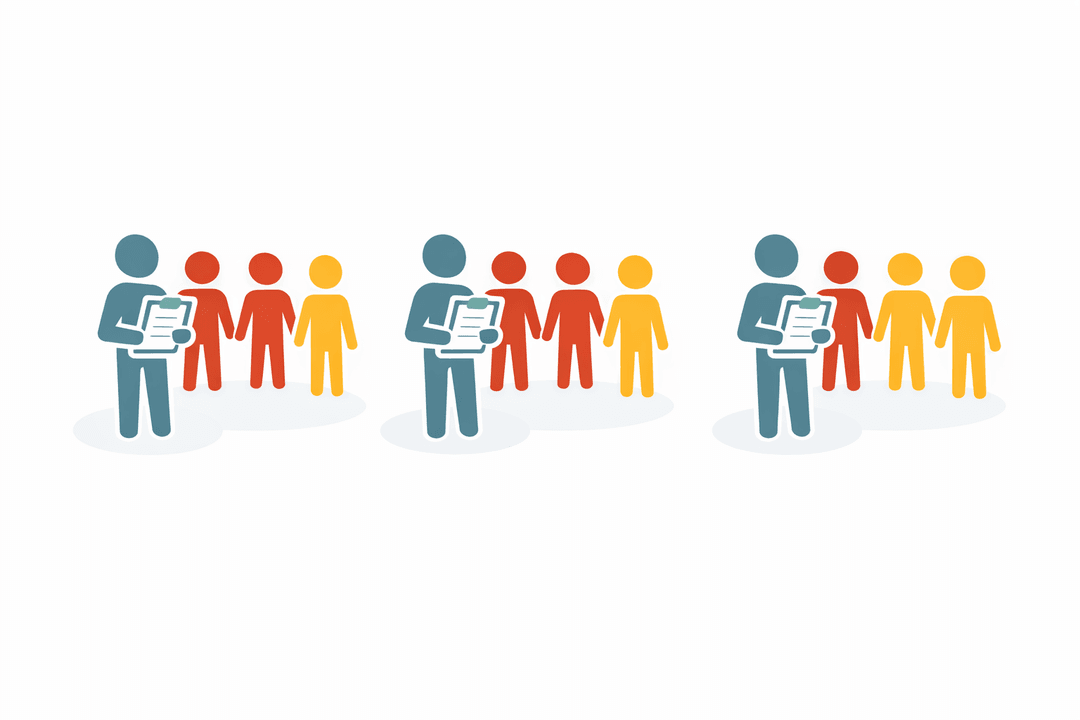
Human users never see anyone's calendar. They only see meeting times that work. No endless polls, no calendar screenshots, no coordinator compiling availability by hand across time zones.
Free/busy only
Merge uses availability windows, not event content.
No calendar exposure
Guests and attendees see workable meeting times, never your schedule.
Less manual coordination
The scheduling engine replaces the poll-by-poll availability chase.
More than client booking
ScheduleMerge handles the common meeting shapes that get messy when calendars, roles, groups, and time zones all matter at once.
Client meetings
Offer workable times without exposing anyone's calendar details.
Internal team meetings
Find time across busy teammates, shared calendars, and role constraints.
Multi-guest sessions
Coordinate groups, panels, participant batches, and meetings with more than one attendee.
How it works
Set up once, schedule many. Invite hosts, teammates, clients, candidates, or participants; Merge finds workable times across everyone's availability and scheduling rules.
Create a meeting
Define your meeting parameters: duration, date range, and business hours.
Add your team
Invite hosts and set capacity limits. They connect their Google or Outlook calendars.
Generate available slots
The system finds times when your team is free and creates bookable windows.
Share scheduling links
Guests, attendees, or teammates get a secure link to choose, confirm, or share availability depending on the meeting type.
Simple for every attendee
External guests can pick a time without an account. Internal teammates can share availability or connect a calendar. Everyone sees only what they need.
Open secure link
Get a personalized invite via email
Choose or share availability
Pick from slots or share times that work
Confirm the meeting
Receive a calendar invitation instantly
Built for teams that schedule at scale
Workload Distribution
Set max meetings per host. The system respects limits automatically.
Smart Matching
Need a specific host, interviewer, teammate, or attendee pairing? Add must-meet and cannot-meet rules directly.
Global Timezone Support
Guests see times in their local timezone. No confusion, no mistakes.
Real-Time Availability
Slots update as they're booked. No double-bookings possible.
Calendar Sync
Team members connect Google or Outlook. Busy times are automatically blocked.
No Attendee Accounts Required
External guests can book without creating an account; internal teammates can participate by invite link or account.
What about time zones?
Generate slots during each guest's reasonable hours, intersected with your team's availability.
Hosts offer early or late slots so distant guests can book at a reasonable local time.
Stick to your team's standard business hours. Guests filter and choose from what's available.
Built for your team
Wherever the problem is “many people, constrained time, hard capacity limits” — Merge handles it.
Consulting
Coordinate client interviews across your entire team.
Learn moreRecruiting
Schedule interview panels at scale without the chaos.
Learn moreSales Engineering
Get demos on the calendar without the back-and-forth.
Learn moreResearch
Book participant sessions across your research team.
Learn moreAgencies
Tax season, audit season, client season. Schedule them all.
Learn more